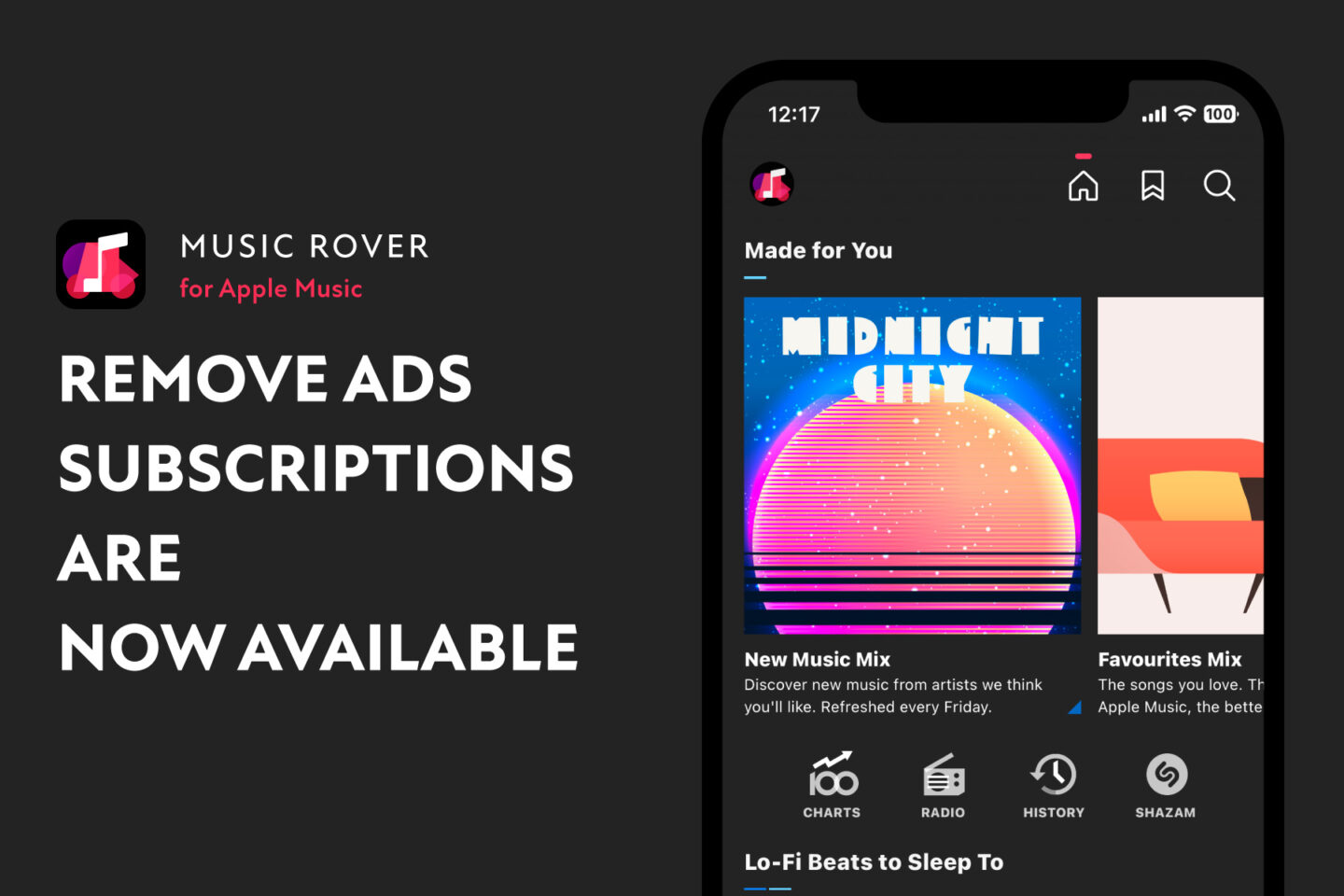
Remove ads subscriptions now available on Music Rover

Starting with Music Rover v1.3.0, I have launched a paid subscription that allows you to remove ads. With this subscription, all ads in the app will be hidden, making the app even clearer and easier to view.

There are two types of ad removal plans: monthly and annual plans, and the annual plan is considerably more economical than the monthly plan.

If you want to use Music Rover ad-free, please subscribe.

Download on the App Store

In v1.3.0, the layout of the home screen has also been fine-tuned. The display layout of advertisements has also been adjusted to better fit in with the content.
Music Rover can now use Shazam music recognition

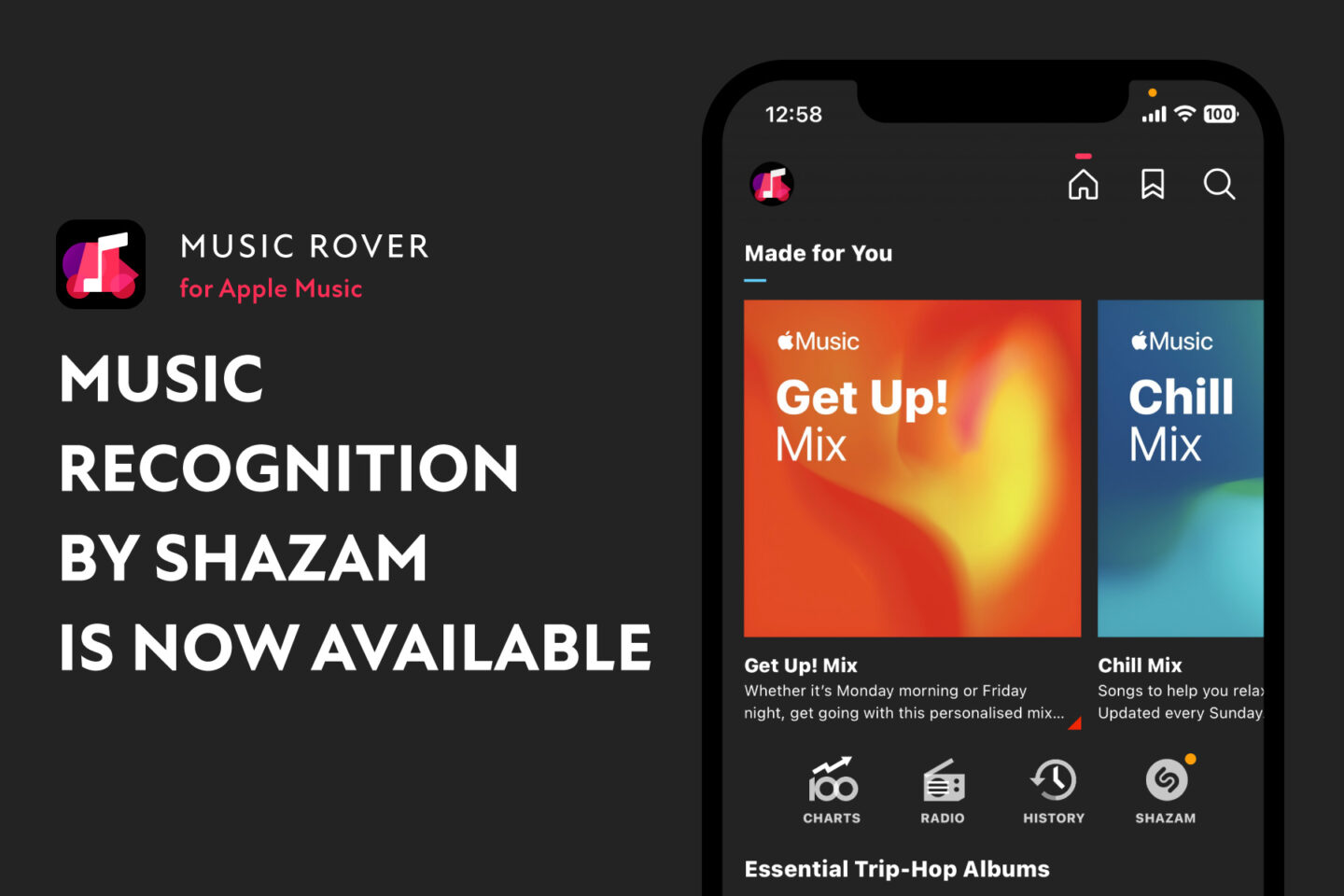
Starting with Music Rover v1.2.0, music recognition using Shazam is now available in the app (for Apple Music subscribers only).

Shazam is a feature that can identify songs playing around you.

Using the Shazam feature from Music Rover, you can start a station immediately from a recognized song or add it to listen later queue.

When you hear a song that catches your interest, be sure to give the Shazam feature a try!

Download on the App Store

Music Rover can now browse and play your music library

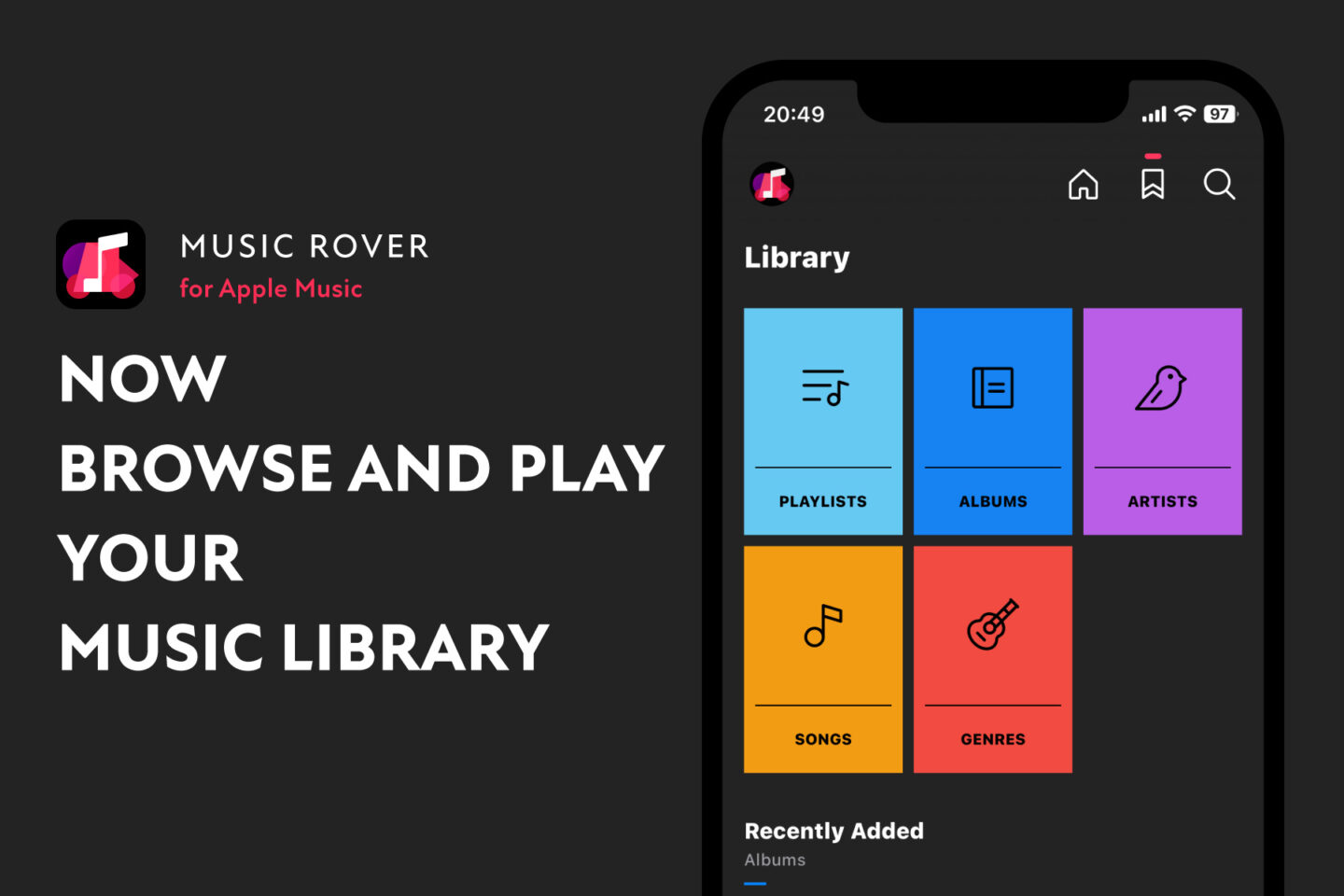
Music Rover, an app for finding your favorite songs in Apple Music, now also allows you to browse and play your music library in v1.1.0! (iOS 16 and above)

Download on the App Store

You can switch between Home/Library/Search from the icon in the upper right corner.

The recommended use is to start a station from a favorite song in your library. When you start a station, the related song will automatically play. Try long pressing a song to add it to the station queue.

Music Rover is a music player app with an emphasis on clean design, and I hope you enjoy its simple UI not only for playing Apple Music content, but also for playing your music library.